

Shopify subscription apps let you sell recurring products or services — subscribe-and-save, prepaid boxes, membership billing — directly through your Shopify store, handling recurring charges, customer self-service, and failed-payment recovery automatically. After testing pricing, features, and real transaction-fee structures across 10 apps, my top pick for most stores is Seal Subscriptions (free for 50 subscriptions, flat pricing from $5.95/mo, zero transaction fees on every tier) for its unbeatable cost predictability, while Loop Subscriptions wins for scaling DTC brands that need serious retention tooling. The math almost no guide runs: a "free" app charging 3.5% per transaction can cost more than a $30/month flat-fee app once your subscription revenue crosses roughly $850/month — know that crossover point before you pick based on the lowest sticker price.
💡 Key Takeaways
- Subscription app pricing splits into three structures: flat monthly fee, revenue-capped tiers, and percentage-of-transaction fees — and the "free" or cheapest-looking option is often the most expensive once your subscription revenue grows.
- Transaction fees on subscription apps stack on top of Shopify's own payment processing fee, not instead of it — a detail most comparison articles gloss over when quoting "starting from free."
- Feature checklists (bundles, gamification, widgets) get most of the attention in reviews, but dunning and failed-payment recovery quality is the single biggest lever for actual subscription revenue retention, and it's rarely compared in real detail.
- Switching subscription apps carries meaningfully more risk than switching most other app categories, since active subscriber payment authorizations and billing relationships are on the line, not just settings and design.
- Seal Subscriptions offers the most forgiving free tier for testing the model, while Recurpay offers the lowest-cost flat, zero-transaction-fee entry point among paid plans; Loop, Recharge, and Skio are built for brands already doing serious subscription volume.
- Every app in this guide was checked against its current, live pricing page — not recycled from older articles, since tiers and transaction fees in this category change often.
- If choosing, installing, and configuring the right subscription app feels like one more thing on an already full plate, our done-for-you Shopify service sets this up as part of a fully managed store.
📚 Table of Contents
- What Is a Shopify Subscription App and How Does It Work?
- Why Does Offering Subscriptions Matter More in 2026?
- How Did I Test and Rank These Apps?
- Quick Comparison: 10 Best Shopify Subscription Apps
- Detailed Review: Top Shopify Subscription Apps
- 1. Seal Subscriptions — Best Overall Value
- 2. Appstle Subscriptions — Best Broad Feature Coverage
- 3. Loop Subscriptions — Best for Scaling DTC Brands
- 4. Recharge — Best Mature Enterprise Option
- 5. Easy Subscriptions — Best Zero Transaction Fees at Scale
- 6. Recurpay — Best Flat, Zero-Transaction-Fee Entry Point
- 7. Bold Subscriptions — Best Affordable Flat-Fee Option
- 8. Smartrr — Best for Loyalty-Driven Retention
- 9. Skio Subscriptions — Best for High-Volume DTC Brands
- 10. Shopify Subscriptions (Native) — Best Free Starting Point
- Is the Free Plan Actually the Cheapest? The Transaction Fee Math
- What Actually Determines Subscription Retention?
- Why Is Switching Subscription Apps Riskier Than Switching Other Apps?
- Which Subscription App Fits Your Store?
- Frequently Asked Questions
I tested pricing, transaction-fee structures, and core features across ten Shopify subscription apps, checked every number directly against each app's live pricing page rather than trusting older comparison articles, and ran the fee math that most guides skip entirely. If you're evaluating Shopify subscription apps right now, you've probably noticed most comparison articles just list "starting from free" without explaining what that actually costs once your subscription revenue grows.
This guide covers the best Shopify subscription apps for 2026, paid and free, with real pricing and feature depth pulled from each app's current listing. I'm also covering three things most guides skip entirely: the real math behind transaction-fee stacking once Shopify's own payment processing fee is factored in, why dunning quality matters more than feature checklists for actual subscription retention, and why switching subscription apps carries meaningfully more risk than switching almost any other app category on your store.
What Is a Shopify Subscription App and How Does It Work?
A Shopify subscription app lets you sell products or services on a recurring billing schedule — weekly, monthly, or custom intervals — by adding a "selling plan" layer on top of your existing products, automatically charging customers and creating new orders each cycle without you doing it manually. It works by integrating with Shopify's native Selling Plans API, which handles the underlying billing logic, while the app itself provides the customer-facing widgets, portal, and retention tools.
Once installed, a subscription app typically handles four core jobs:
- Subscription widgets: the on-page selector letting customers choose one-time purchase versus subscribe-and-save, often with a discount incentive attached
- Recurring billing: automatically charging the customer's saved payment method and generating a new order each cycle
- Customer self-service portal: letting subscribers pause, skip, swap products, or update payment details without contacting support
- Failed-payment recovery: automatically retrying declined charges and notifying customers, commonly called dunning management
What most merchants underestimate at setup: the subscription widget is the part everyone notices, but the customer portal and dunning system are what actually determine whether subscribers stick around for month three, six, and twelve. A beautiful widget with a weak portal or basic retry logic will still lose more revenue to churn than a plain widget backed by strong retention tooling.
Before comparing specific apps, it's worth understanding how subscriptions fit into your broader store strategy. If you're still validating which products are worth selling on a recurring basis, our guide on best products to sell on Shopify is a useful starting point, and understanding Shopify Payments matters directly here, since it's the processing layer every subscription charge runs through regardless of which app you choose.
Why Does Offering Subscriptions Matter More in 2026?
Offering subscriptions matters more in 2026 because it converts one-time buyers into predictable, recurring revenue without requiring new customer acquisition spend — and as ad costs keep climbing, revenue you don't have to re-earn through paid traffic every month becomes disproportionately valuable.
The subscription economy has grown well beyond software: physical product subscriptions, from coffee and supplements to pet food and skincare, now represent a genuinely mainstream buying pattern rather than a niche one. For a Shopify merchant, the appeal is specific — subscription customers typically show meaningfully higher lifetime value than one-time buyers, because the app is doing the re-selling work automatically every cycle instead of you running another ad campaign to win the same customer back.
What most guides frame backwards: subscriptions aren't primarily an acquisition tool — they're a retention and LTV tool. The real value shows up in month four, five, and six of a subscriber's lifecycle, not in the first sale. This is exactly why dunning and retention tooling (covered in detail later in this guide) matters more to your actual revenue than how good the initial subscribe widget looks.
Subscriptions also compound with the rest of your marketing stack. Driving consistent traffic to your store matters more once a percentage of that traffic converts into recurring revenue rather than a single transaction, and layering in email marketing to re-engage subscribers before a skip or cancellation compounds the retention benefit further.
How Did I Test and Rank These Apps?
I ranked these apps using a fixed rubric: current pricing verified directly against each app's live Shopify App Store listing, real transaction-fee structure (not just the headline monthly price), feature depth across widget, portal, and dunning categories, and genuine value at different revenue stages. No app on this list paid for placement.
That distinction matters here specifically. Several of the most-cited "best subscription apps" articles are written by an app company itself or an agency partnered with one of the apps listed, and unsurprisingly, their own product or partner tends to rank first. I checked every price against each app's own current pricing page rather than recycling numbers from older articles, since transaction-fee structures and tier limits in this category shift often enough that even a recent guide can already be stale.
Quick Comparison: 10 Best Shopify Subscription Apps in 2026
Here's the full side-by-side before the detailed breakdowns below. Use this to shortlist two or three candidates, then read the relevant sections for the specifics that matter to your store.
| App | Starting Price | Transaction Fee | Free Tier | Best For |
|---|---|---|---|---|
| Seal Subscriptions | $5.95/mo | 0% | 50 subscriptions (free) | Best overall value |
| Appstle Subscriptions | $10/mo | 0% | Up to $500/mo revenue | Broad feature coverage |
| Loop Subscriptions | $99/mo | 1.0% | Yes, limited | Scaling DTC brands |
| Recharge | $99/mo | 1.49% + $0.19 | Standard plan, basic | Mature enterprise option |
| Easy Subscriptions | Free / $39/mo | 0% | Yes, Starter plan | Zero fees at scale |
| Recurpay | $9/mo | 0% | No free tier | Flat, zero-fee entry point |
| Bold Subscriptions | $49.99/mo | 1% | No | Affordable flat-fee option |
| Smartrr | $99/mo | Varies by plan | Limited | Loyalty-driven retention |
| Skio Subscriptions | $399/mo | 1% + $0.20 | No | High-volume DTC brands |
| Shopify Subscriptions | Free | 0% | Unlimited (basic features) | Free starting point |
Pricing was verified against each app's live listing at time of writing. Transaction fees and tier limits in this category shift often — always confirm current numbers on the app's own page before installing, and treat the figures above as accurate as of this guide's publication.
Detailed Review: Top Shopify Subscription Apps
1. Seal Subscriptions — Best Overall Value
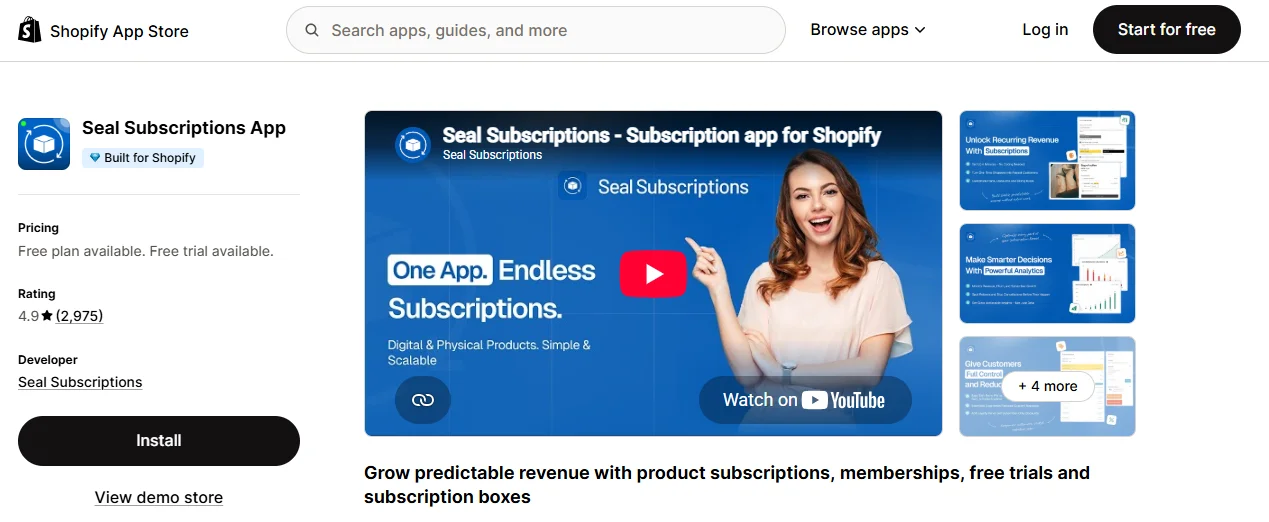
Why I Recommend It: Seal is the rare subscription app that stays genuinely affordable at every tier while charging zero transaction fees across the board — a combination almost nothing else on this list matches. For a store still validating whether subscriptions will work, that cost predictability alone makes Seal the safest starting point.
Key Features
- Pay-per-delivery and prepaid subscription plans
- Subscription box functionality with flexible product swapping
- Tiered discounts and free-gift incentives for loyal subscribers
- Magic-link customer portal login, no password required
- Custom shipping rules per subscription plan
- Inventory forecasting to anticipate recurring demand
- Cancellation flows designed to reduce churn
- Bulk actions for managing subscriptions at scale (higher plans)
- API and webhook access for custom integrations
- Multi-language storefront support
- Auto-charge and recurring invoice generation
- Global statistics dashboard for subscription performance
✔ Pros
- Zero transaction fees on every plan, including free
- Genuinely affordable at every stage of growth
- Strong core feature coverage for the price
✗ Cons
- Free plan feature set is limited compared to paid tiers
- UI feels less polished than premium competitors
- Integration depth with other apps trails category leaders
2. Appstle Subscriptions — Best Broad Feature Coverage
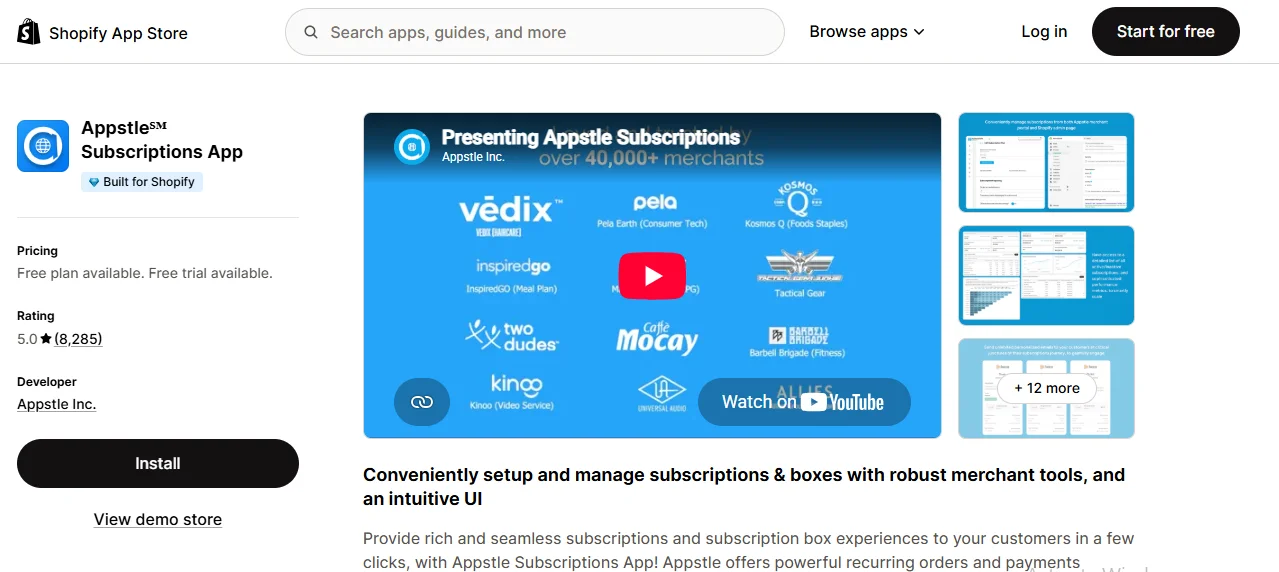
Why I Recommend It: Appstle deliberately built a "catch-all" strategy rather than targeting only small stores or only enterprise brands, and it shows — the feature set genuinely spans build-a-box, loyalty, bundling, and upsell tooling that most competitors reserve for their most expensive tier. Its free plan is also one of the more generous starting points on this list.
Key Features
- Subscribe-and-save with both auto-renewing and prepaid plans
- Build-a-box subscriptions with customer-selected products
- Curated and static bundle options
- Mixed cart support (one-time and subscription items together)
- Free trials and gift subscriptions
- Tiered loyalty discounts and referral rewards
- Automated product swap logic
- Inventory forecasting and SKU-level sync
- Cancellation flows with retention incentives
- Dunning management with automatic payment retries
- Quick checkout subscription links
- API access and Shopify Flow integration
✔ Pros
- Extremely broad feature coverage across all tiers
- No transaction fees on any plan
- Strong build-a-box and bundling logic
✗ Cons
- Revenue caps on lower tiers force upgrades as you grow
- Feature depth increases setup complexity for beginners
- Some users report migration friction from other apps
3. Loop Subscriptions — Best for Scaling DTC Brands
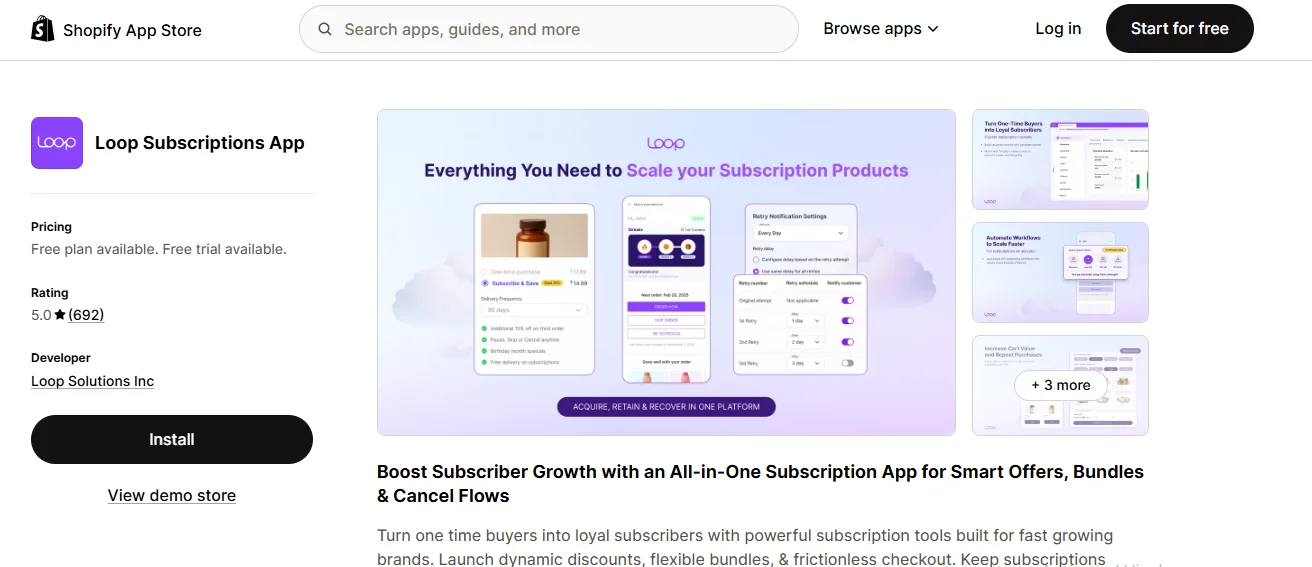
Why I Recommend It: Loop is one of the only apps on this list with a perfect rating, and it's earned largely by winning over merchants who migrated from Recharge specifically because of stronger retention tooling. Its dunning, cancellation-flow, and analytics depth are genuinely built for brands actively fighting churn, not just processing charges.
Key Features
- Personalized cancellation flows addressing specific reasons customers leave
- Customizable failed-payment retry logic with one-click card updates
- Gamified subscriber rewards and order-streak incentives
- Behavior-based reward journeys tied to subscriber LTV
- Pre-authenticated quick-action links for swaps, skips, and payment updates from email
- Native bundle builder using real product SKUs for accurate inventory tracking
- No-code, drag-and-drop customer portal with passwordless login
- Bulk actions for updating thousands of subscriptions at once
- Order-level analytics showing exactly where revenue is leaking
- Dedicated Slack support with free white-glove migration
- Multilingual portal support
- API and webhook access for custom workflows
✔ Pros
- Enterprise-grade retention tooling in one platform
- Free white-glove migration with dedicated support
- Deep, order-level analytics and LTV tracking
✗ Cons
- Pricing tiers are steep for smaller stores
- Feature depth means more initial setup time
- Newer integration ecosystem than the longest-standing competitors
Want Your Subscription Program Set Up the Right Way From Day One?
Our team handles app selection, setup, and configuration as part of a fully managed Shopify store, so your subscription program launches with the retention tooling that actually matters already in place.
4. Recharge — Best Mature Enterprise Option
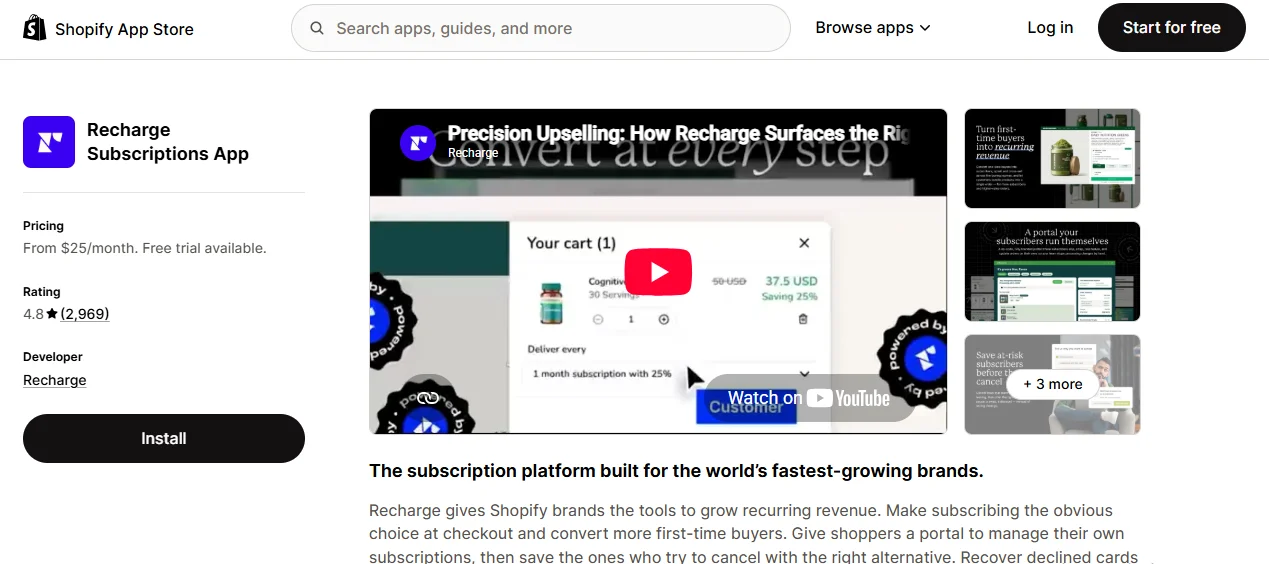
Why I Recommend It: Recharge has been in this category since 2014, and that maturity shows in its integration ecosystem — Klaviyo, Gorgias, and dozens of other tools connect natively without workarounds. For an established brand that needs a unified checkout handling subscriptions and one-time purchases together, Recharge remains the most battle-tested option on this list.
Key Features
- Unified checkout combining subscription and one-time items
- Recurring billing engine with prepaid plan support
- Custom and curated bundle options
- No-code customer portal builder
- Upsell and cross-sell offers within the subscription flow
- AI-assisted dunning and payment retry logic
- Cancellation prevention flows with save offers
- Automated win-back campaigns for lapsed subscribers
- Gifting subscription support
- Advanced analytics with category benchmarking
- JavaScript SDK and Storefront API access
- Deep integration library spanning dozens of marketing and support tools
✔ Pros
- Unified checkout reduces cart friction
- Strong automation and retention tooling
- Largest integration ecosystem in the category
✗ Cons
- High combined monthly fee plus transaction percentage
- No free plan to test before committing
- Some loyalty features are locked behind Shopify Plus
5. Easy Subscriptions — Best Zero Transaction Fees at Scale
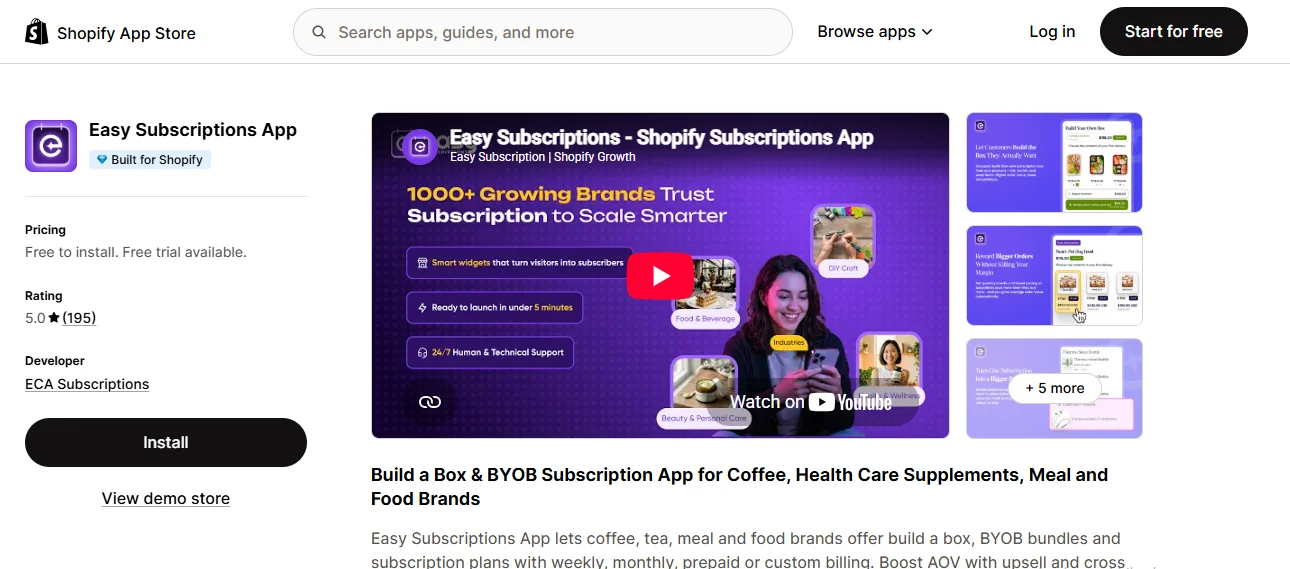
Why I Recommend It: Easy Subscriptions charges 0% transaction fees across every tier, including its highest, which is genuinely rare once you compare it against Recharge, Loop, or Skio at similar feature depth. For coffee, meal, and pet-brand style subscriptions needing rotating product series, its "subscription series" feature is a specific, uncommon capability worth knowing about.
Key Features
- Customizable subscription plans across weekly, monthly, and custom intervals
- Recurring and prepaid subscription support
- Subscription series for rotating products over time
- Fixed bundles and build-your-own-box options
- Quantity-based tiered discounts
- Upsell and cross-sell offers within the subscription flow
- Gift products and loyalty incentives
- Full customer self-service portal (pause, skip, swap, reschedule)
- Smart dunning and payment retry system
- Subscription analytics and reporting dashboard
- Bulk subscription management tools
- Native integrations with Klaviyo, Omnisend, and Mailchimp
✔ Pros
- 0% transaction fees at every tier, even Enterprise
- Strong bundling with the uncommon "series" feature
- 24/7 dedicated human support
✗ Cons
- Newer to the market than category veterans
- Advanced bundle configurations need initial setup time
- Smaller review volume than more established competitors
6. Recurpay — Best Flat, Zero-Transaction-Fee Entry Point
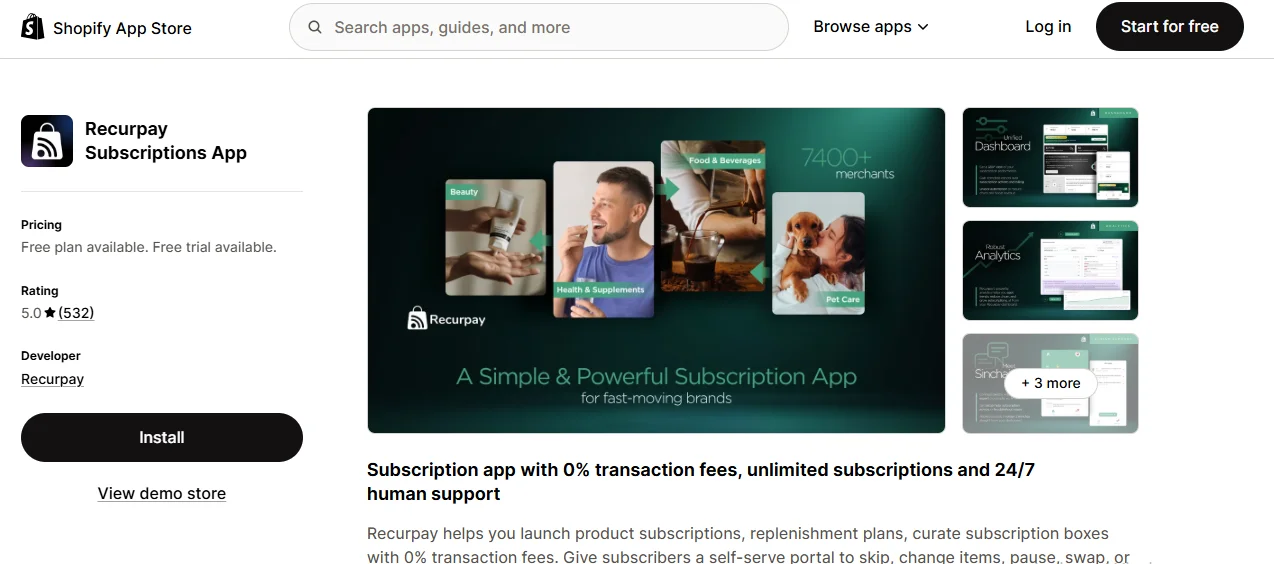
Why I Recommend It: Recurpay charges 0% transaction fees on every single tier, including its cheapest at $9/month, which is a genuinely uncommon combination this low in the price range. For a store that wants AI-assisted widget building and build-a-box functionality without a percentage cut following you as revenue grows, Recurpay's flat structure is a real differentiator.
Key Features
- Prepaid and pay-as-you-go subscription plans
- Upsell subscriptions directly within the cart
- Fully customizable subscription widget
- Self-serve customer portal
- Dunning and automatic payment recovery
- Recurpay bots for automated discounts, gifts, and product swaps
- Build-a-box subscription configuration
- AI-assisted subscription widget building
- Cancellation flows designed to reduce churn
- Email campaign tools for subscriber engagement
- Full API and webhook access on higher tiers
- SSO and user permission controls for team accounts
✔ Pros
- 0% transaction fees at every tier, including the cheapest
- AI-assisted widget building is uncommon at this price point
- Free, fast migration from competing apps
✗ Cons
- No free tier to test before paying, unlike several competitors
- Adding entire collections to a subscription plan is cumbersome
- Some technical knowledge needed for full setup
7. Bold Subscriptions — Best Affordable Flat-Fee Option
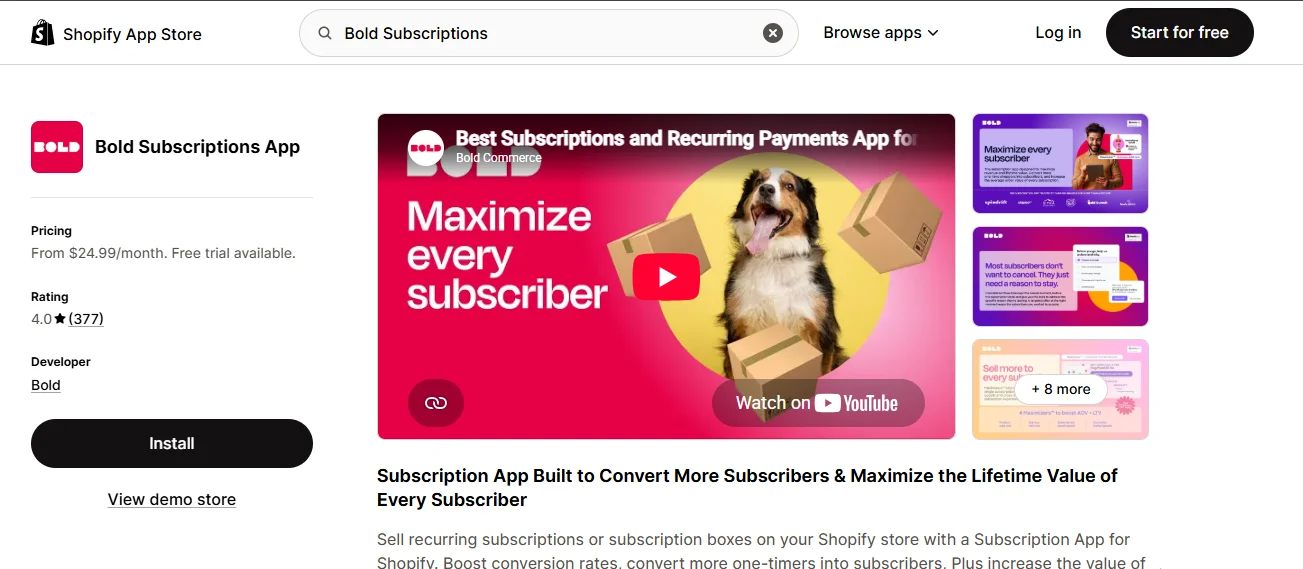
Why I Recommend It: Bold offers exactly one plan, unlimited subscriptions and subscribers included, at a genuinely affordable flat fee — there's no tier ladder to climb or feature gate to hit as you grow. For a store that wants predictable pricing without comparing four different plan tiers, that simplicity is the entire appeal.
Key Features
- Unlimited subscriptions and subscribers on the single plan
- Prepaid subscription support
- Monthly and annual billing frequency options
- Unlimited custom billing frequencies
- Dunning management with automatic retries
- Built-in reporting dashboard
- Mobile-friendly customer-facing widgets
- Cancellation flow support
- Full API access for custom development
- Free migration from other subscription apps
- Customizable, full design and language control
- Automatic theme-matching installation
✔ Pros
- One simple plan, no tier confusion
- Affordable relative to feature depth offered
- Fast-responding customer service reported
✗ Cons
- No free plan to test before paying
- Fewer customization options than category leaders
- Some users report issues after major app version updates
8. Smartrr — Best for Loyalty-Driven Retention
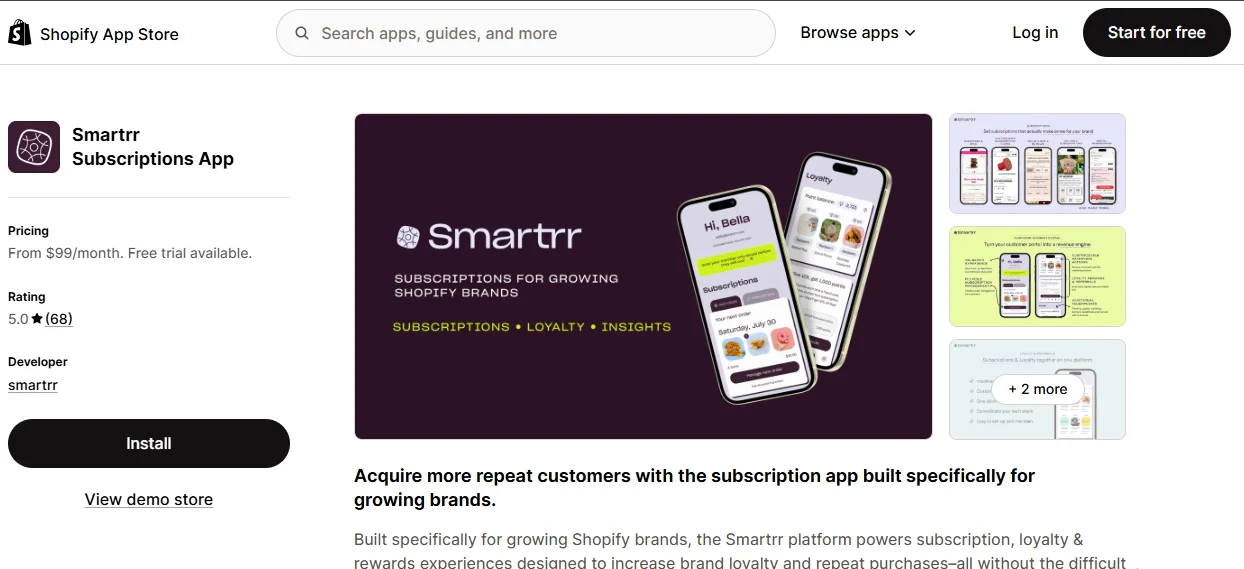
Why I Recommend It: Smartrr leans harder into loyalty and rewards mechanics than most competitors, treating the subscriber relationship as an ongoing loyalty program rather than just a recurring charge. For a brand whose subscription strategy is explicitly built around community and repeat engagement, that framing shows up throughout the product.
Key Features
- Elaborate, guided onboarding process for new merchants
- Integrated email and SMS subscriber management
- Dedicated support through setup and migration
- Advanced analytics for growth and retention tracking
- Subscription loyalty rewards program
- Subscriber referral incentive system
- Mobile-optimized customer account portal
- Customer account portal beyond basic pause/skip/swap
- Flexible subscription plan configuration
- Multi-channel customer engagement tools
✔ Pros
- Strong loyalty and rewards mechanics built in
- Excellent onboarding and migration support
- Mobile-optimized subscriber experience
✗ Cons
- No free tier, entry price is comparatively high
- Smaller review volume than category veterans
- Overkill for stores that just want basic recurring billing
9. Skio Subscriptions — Best for High-Volume DTC Brands
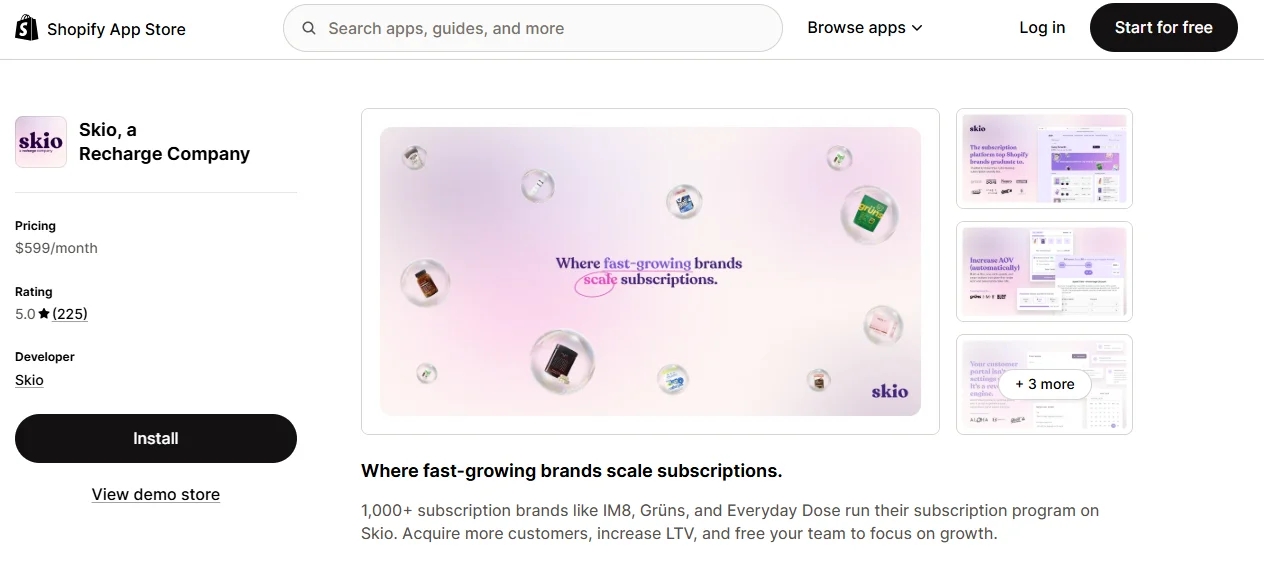
Why I Recommend It: Skio built its reputation as the app for brands actively migrating away from Recharge or Bold at scale, and its lifecycle automation and SMS capabilities go noticeably deeper than most of this list. It's genuinely a premium product at a premium price, built for brands where subscription revenue is already a core part of the business, not an experiment.
Key Features
- Build-a-box subscription configuration
- Fully passwordless customer portal
- Lifecycle automation across the entire subscriber journey
- Multi-step cancellation flows with save offers at each stage
- SkioSMS reminders with no markup on messaging costs
- Real-time analytics with cohort segmentation
- AI-powered upsell carousel within the subscriber experience
- Zero-downtime migration from other subscription platforms
- Dedicated customer success manager
- No-code theme editor supporting A/B testing
- Group subscription discount support
- Full API and SDK access
✔ Pros
- Best-in-class dedicated support
- Advanced lifecycle and retention automation
- Strong native SMS capabilities
✗ Cons
- Very high monthly cost, not viable for early-stage stores
- Transaction fees still apply on top of the base price
- Overbuilt for a store just starting with subscriptions
10. Shopify Subscriptions (Native) — Best Free Starting Point
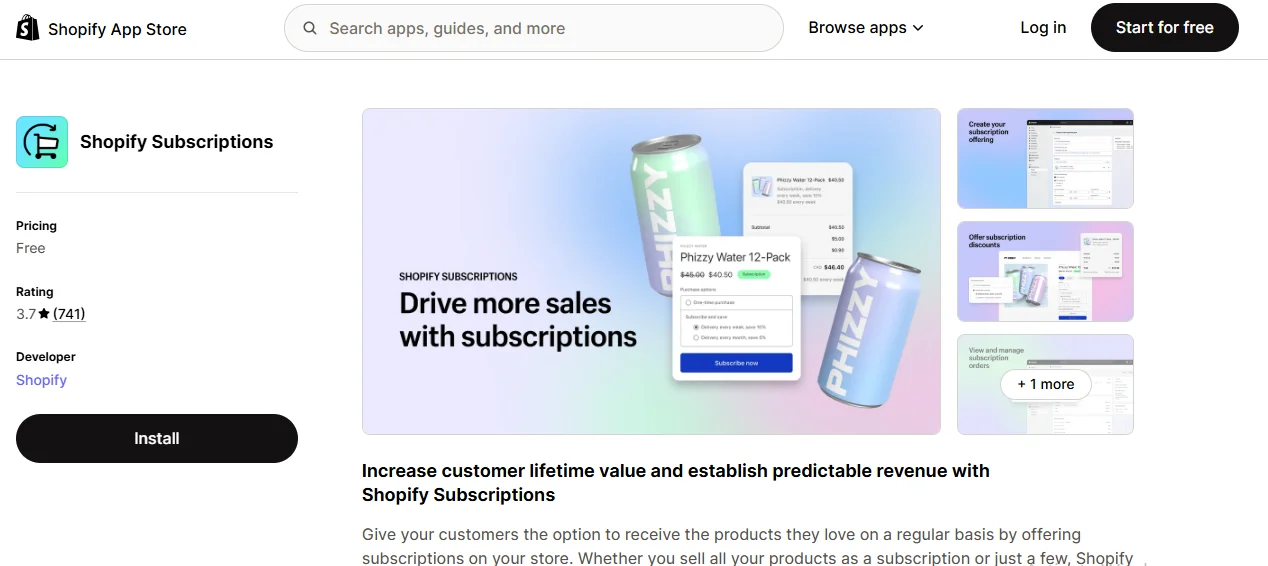
Why I Recommend It: Shopify's own native subscription app is completely free with no paid tier at all, which makes it the lowest-risk way to test whether recurring billing is worth pursuing before installing anything third-party. Its limitations are real, but for pure testing purposes, free with zero commitment is genuinely useful.
Key Features
- Auto-billed subscriptions with discount support
- Customer-controlled pause, skip, and cancel options
- Basic subscription performance analytics
- Customizable order confirmation and subscription email templates
- Free transfer of existing subscription contracts into the app
- Native integration with Shopify's Selling Plans API
- No app fee or transaction fee of any kind
✔ Pros
- Completely free with zero transaction fees
- Free, simple transfer of existing subscriptions
- No commitment risk while testing the model
✗ Cons
- No build-a-box, bundling, or loyalty features
- Basic cancellation and dunning logic only
- No dedicated support channel if something breaks
Skip the App-by-App Fee Math Yourself
Our team calculates the real cost stack for your specific revenue level and picks the subscription app that actually saves you money, not just the one with the lowest sticker price.
Is the Free Plan Actually the Cheapest? The Transaction Fee Math
Not necessarily — a "free" subscription app charging a percentage-based transaction fee can cost more per month than a flat-fee paid plan once your subscription revenue crosses a specific, calculable threshold, and this transaction fee stacks on top of Shopify's own payment processing fee, not instead of it.
Here's the detail almost every comparison guide skips: when a subscription app advertises "free + 3.5% transaction fee," that 3.5% is charged by the app on top of whatever Shopify's own processing fees already take from the same transaction. You're not choosing between "free" and "paid" — you're choosing between a flat monthly cost and a percentage that grows with your success, layered on top of fees you're already paying regardless of which subscription app you pick.
A Worked Example
Take a subscription app charging 3.5% on a free plan, compared to a flat $30/month competitor with 0% transaction fee. At $500/month in subscription revenue, the percentage-fee app costs $17.50 — still cheaper than $30. At $1,000/month, it costs $35, already more expensive than the flat fee. The crossover point sits right around $857/month in subscription revenue — below that, the free-plus-percentage model wins; above it, the flat fee wins, and the gap widens every month your subscription revenue grows.
| Monthly Subscription Revenue | Free + 3.5% Fee | Flat $30/mo Plan | Cheaper Option |
|---|---|---|---|
| $300 | $10.50 | $30 | Percentage fee |
| $857 | $30.00 | $30 | Break-even |
| $1,500 | $52.50 | $30 | Flat fee |
| $5,000 | $175.00 | $30 | Flat fee |
⚠️ Why this matters more than it seems: a percentage-based fee has no ceiling — it scales with your success indefinitely, unless the app caps it at a higher tier. A flat monthly fee, by contrast, becomes a shrinking percentage of revenue as your subscription program grows. If you're choosing between two otherwise-comparable apps and genuinely expect subscription revenue growth, run this exact math with your own numbers before committing, not after you're already locked into a plan quietly taking a larger cut every month you succeed.
This doesn't mean percentage-fee apps are a bad choice — for a brand-new subscription program still validating demand, a low-risk, no-upfront-commitment structure is genuinely the smarter starting point. The mistake is treating the free-plus-percentage plan as permanently the cheapest option rather than checking where your own numbers actually land.
What Actually Determines Subscription Retention?
Dunning and failed-payment recovery quality determines more of your actual subscription retention than any feature checklist item — bundle builders, gamification, or widget design — and this is the single most consistently underrated factor in every subscription app comparison I've reviewed, including the ones written by other agencies.
Here's why this matters more than most guides suggest: a meaningful share of subscription cancellations aren't voluntary at all — they're involuntary churn, caused by an expired card, a temporary decline, or insufficient funds at the moment of a recurring charge. Apps with strong dunning logic (smart retry timing, automatic card-update prompts, multi-channel decline notifications) recover a real portion of that revenue automatically. Apps with basic, single-attempt retry logic simply lose it.
The contrarian point most guides won't make directly: a subscription app with a mediocre widget but excellent dunning will outperform an app with a beautiful widget and basic dunning on actual retained revenue, almost every time. Merchants comparing apps by scrolling through feature screenshots consistently underweight this, because dunning quality is invisible until you're already several months into running the program and watching your churn numbers.
When evaluating any app on this list, ask specifically: does it support smart retry timing (not just a single retry at a fixed interval), does it prompt customers to update expired cards proactively, and does it notify customers across more than one channel before a cancellation happens automatically. Loop, Recharge, and Skio invest the most visibly in this area; Bold and the free native Shopify app offer more basic retry logic by comparison.
Retention tooling compounds with the rest of your customer communication strategy too. Pairing strong dunning with proactive customer trust signals on your product pages, and following up lapsed subscribers through social channels where they already follow your brand, extends the retention effect beyond what the subscription app alone can do.
Why Is Switching Subscription Apps Riskier Than Switching Other Apps?
Switching subscription apps carries meaningfully more risk than switching most other Shopify app categories, because a subscription app holds live, ongoing billing authorizations for real customers — not just settings and design choices you can toggle off without consequence.
Compare this to swapping a review app or a page builder: worst case, you lose some historical data or need to re-theme a section. Swapping a subscription app can mean re-authorizing customer payment methods, risking a gap in billing continuity, or losing subscriber history if the migration isn't handled carefully. This is exactly why "free migration" shows up as a headline feature on nearly every app in this category — the vendors know switching is a genuine pain point, not a minor inconvenience.
⚠️ What this means for how you should choose: weigh long-term fit more heavily than you would for a lower-stakes app category. Picking based purely on the lowest current price, planning to "switch later if needed," is a riskier strategy here than it is for most other app decisions on your store. If you're genuinely unsure between two apps, prioritize the one with a proven, well-reviewed migration process for switching in, since you may eventually need that same capability switching out.
This is also where working with vetted, established apps rather than newer, unproven entrants pays off disproportionately for subscriptions specifically — the cost of a failed migration or a billing gap is higher here than in almost any other app category on your store.
Which Subscription App Fits Your Store?
The right subscription app depends more on your product category and sourcing model than on which app scores highest overall, since a coffee subscription box, a dropshipping-based replenishment model, and a print-on-demand membership all need genuinely different capabilities.
| Store Type | Best-Fit App | Why |
|---|---|---|
| Just testing the model | Shopify Subscriptions or Seal | Free entry, minimal risk while validating demand |
| Subscription box / build-a-box | Appstle or Loop | Strong native bundling and box-configuration tools |
| Scaling DTC brand fighting churn | Loop or Skio | Retention and dunning tooling built for volume |
| Budget-conscious, predictable costs | Seal or Easy Subscriptions | Flat or zero transaction fees at every tier |
| Loyalty-and-community-driven brand | Smartrr | Rewards and referral mechanics built into the core product |
Your sourcing model matters here too, more than most guides acknowledge. If you're layering subscriptions on top of a dropshipping-based store, reliable supplier relationships matter as much as the app itself, since a missed recurring shipment damages subscriber trust faster than almost anything else. Variable dropshipping shipping times specifically complicate subscription reliability, which is why brands scaling a subscription program often transition toward a dedicated 3PL fulfillment partner once volume justifies it.
For print-on-demand and made-to-order categories, subscription logic works differently since production time replaces shipping time as the constraint — our guide on Shopify print-on-demand apps covers sourcing considerations that directly affect which subscription cadence is realistic to promise for these categories.
What Else Should You Optimize Alongside Your Subscription App?
A subscription app amplifies whatever conversion and retention foundation your store already has — it doesn't fix a weak product page or a slow-loading theme, so getting the surrounding store elements right determines how much value any subscription app actually delivers.
- Product photography: subscription products need to sell the ongoing value, not just the first purchase — our guide on Shopify image size requirements covers the specs that keep subscription product photos sharp without slowing page load
- Theme performance: a slow or cluttered theme undermines even a perfectly configured subscription widget; our roundup of best Shopify themes covers which themes handle app-injected subscription widgets cleanly
- Product description copy: writing compelling copy for a recurring purchase decision is different from writing for a one-time sale; Shopify Magic can generate a solid first draft explaining the recurring value proposition faster than writing each one manually
- Competitive research: before finalizing your subscription pricing and cadence, Shopify spy tools let you see what similar subscription offers competitors are running and how they're positioning them
- Cross-channel consistency: if you're also selling on Amazon, keeping your subscription-eligible catalog synced through Shopify Amazon integration avoids promoting a subscription your Amazon-side inventory can't reliably support
Subscription apps also work best as one piece of a broader retention and marketing stack rather than a standalone tool. Pairing your subscription program with the right Shopify marketing apps for win-back campaigns prevents the common mistake of treating the subscription app as an isolated feature rather than an integrated part of your store's growth strategy. And once subscribers are engaged, layering in upsell apps at checkout or on the thank-you page can lift average order value on top of the recurring revenue your subscription program already generates.
📚 Read More Shopify Blogs
Frequently Asked Questions About Shopify Subscription Apps
What is the best free Shopify subscription app?
Shopify's own native Subscriptions app is completely free with zero transaction fees and no paid tier, making it the lowest-risk way to test the model. Seal Subscriptions also offers a genuinely usable free tier (50 subscriptions, 0% transaction fee) with more features than the native app. Both are reasonable starting points before committing to a paid plan like Recurpay, which drops its free tier entirely but keeps 0% transaction fees starting at just $9/month.
How much does a Shopify subscription app typically cost?
Costs range from completely free to $599/month depending on the app and tier, with many apps also charging a transaction fee percentage on top of the monthly price. Budget-friendly, flat-fee options like Seal and Bold Subscriptions start under $50/month with no or low transaction fees, while enterprise-focused apps like Recharge, Smartrr, and Skio run from $99 to $599/month plus a percentage per transaction.
Do Shopify subscription apps charge transaction fees on top of Shopify's own fees?
Yes, many do. A subscription app's transaction fee is charged separately from and in addition to Shopify's own payment processing fee, not as a replacement for it. This is the detail most comparison guides gloss over — always calculate your total cost stack, not just the subscription app's advertised percentage, when comparing options.
Can I switch subscription apps without losing my subscribers?
Most established apps offer a migration service specifically designed to preserve active subscriptions and billing continuity, and several apps in this guide, including Loop, Recurpay, and Bold, advertise free migration from competitors. That said, switching still carries more risk than switching most other app categories, since live payment authorizations are involved, so choosing carefully upfront matters more here than for lower-stakes app decisions.
What's the difference between Shopify's native subscriptions and a third-party app?
Shopify's native Subscriptions app handles basic recurring billing, pause, skip, and cancel functionality for free, but it lacks build-a-box bundling, loyalty and referral tools, advanced dunning logic, and detailed retention analytics that third-party apps provide. For a store just testing the model, native is a reasonable starting point; for a store actively growing a subscription program, a dedicated third-party app almost always delivers meaningfully better retention.
Does a subscription app work well for a dropshipping store?
It can, but reliability matters more than in a standard subscription model, since a missed or delayed recurring shipment damages subscriber trust faster than a one-time late order would. Dropshipping-based subscriptions work best with consistent, vetted suppliers and realistic delivery-time promises built into your subscription cadence from the start, rather than assuming standard dropshipping shipping times will hold up for recurring commitments.
Should I offer a discount for subscribing versus buying one-time?
Yes, most successful subscription programs offer a meaningful discount, commonly 10–20%, since that's the incentive that gets a customer to commit to recurring billing in the first place. Nearly every app in this guide supports this natively through subscribe-and-save widgets, and the discount is typically the single biggest lever for initial subscription opt-in rate, separate from retention, which depends more on dunning quality after the first purchase.
Final Verdict: Which Shopify Subscription App Should You Actually Install?
If you're installing your first subscription app today and want the safest, most cost-predictable starting point, install Seal Subscriptions. Zero transaction fees at every tier, a genuinely usable free plan, and flat pricing that won't surprise you as revenue grows make it the lowest-risk choice on this list. If you're already generating consistent subscription revenue and churn is your real problem, Loop Subscriptions is the stronger long-term investment despite the higher entry price, because its retention tooling directly addresses the metric that determines whether subscription revenue compounds or leaks away.
The three things worth carrying away from this guide: run the actual transaction-fee math against your own revenue numbers before assuming the free plan stays the cheapest option indefinitely — the crossover point arrives faster than most sellers expect. Weigh dunning and payment-recovery quality as heavily as feature checklists, since it's the quieter factor that determines whether subscribers actually stick around past month three. And choose your subscription app with switching risk in mind from the start, since this is one app category where "I'll just switch later if it doesn't work out" carries real cost.
The habit that matters most: whichever app you choose, watch your involuntary churn rate specifically — cancellations caused by failed payments, not customer choice — over your first few months. That single metric tells you more about whether your dunning setup is actually working than any other number on your subscription dashboard.
Want a Subscription Program Built and Managed for You?
Choosing the right subscription app is one piece of a converting store. Our done-for-you Shopify service handles product sourcing, store setup, app configuration, and ongoing management — so your subscription program is built to retain customers from day one.